本篇展示使用 fetch + ReadableStream 在浏览器端解析 SSE 数据流的简洁实现,供在原文件替换时使用。
基础
下面示例展示如何用 fetch + ReadableStream 在浏览器端手动解析 SSE 数据流(简洁版):
1
2
3
4
5
6
7
8
9
10
11
12
13
14
15
16
17
18
19
20
| async function sseWithFetch(url, onMessage) {
const res = await fetch(url);
const reader = res.body.getReader();
const decoder = new TextDecoder();
let buf = '';
while (true) {
const { value, done } = await reader.read();
if (done) break;
buf += decoder.decode(value, { stream: true });
let idx;
while ((idx = buf.indexOf('\n\n')) !== -1) {
const raw = buf.slice(0, idx);
buf = buf.slice(idx + 2);
const m = raw.match(/data:\s*([\s\S]*)/);
if (m) onMessage && onMessage(m[1].trim());
}
}
}
|
注意:使用 fetch 手动解析能获得更细粒度的流控制,但需要自行实现重连、心跳与 Last-Event-ID 处理。兼容性上 EventSource 更简单且更受浏览器支持。
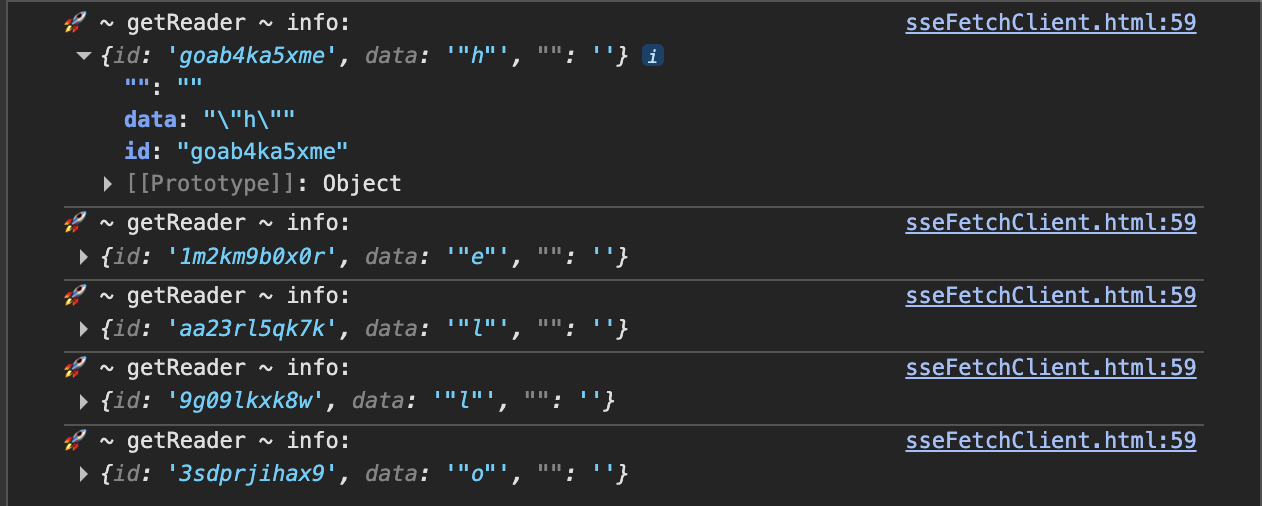
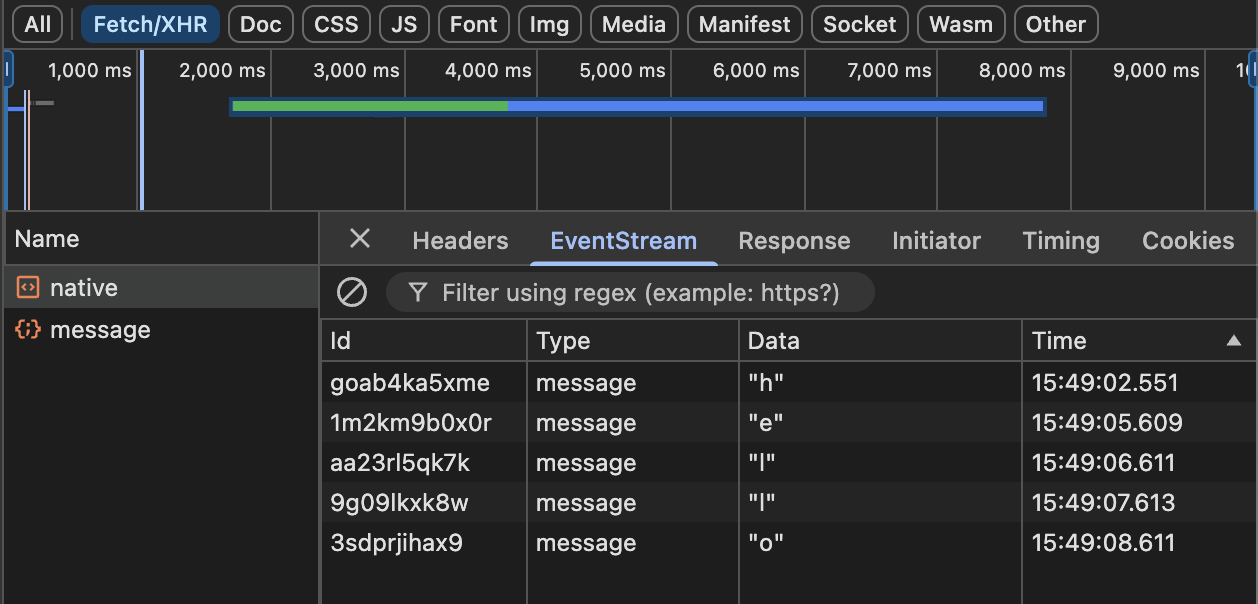
浏览器测试
系列导航